
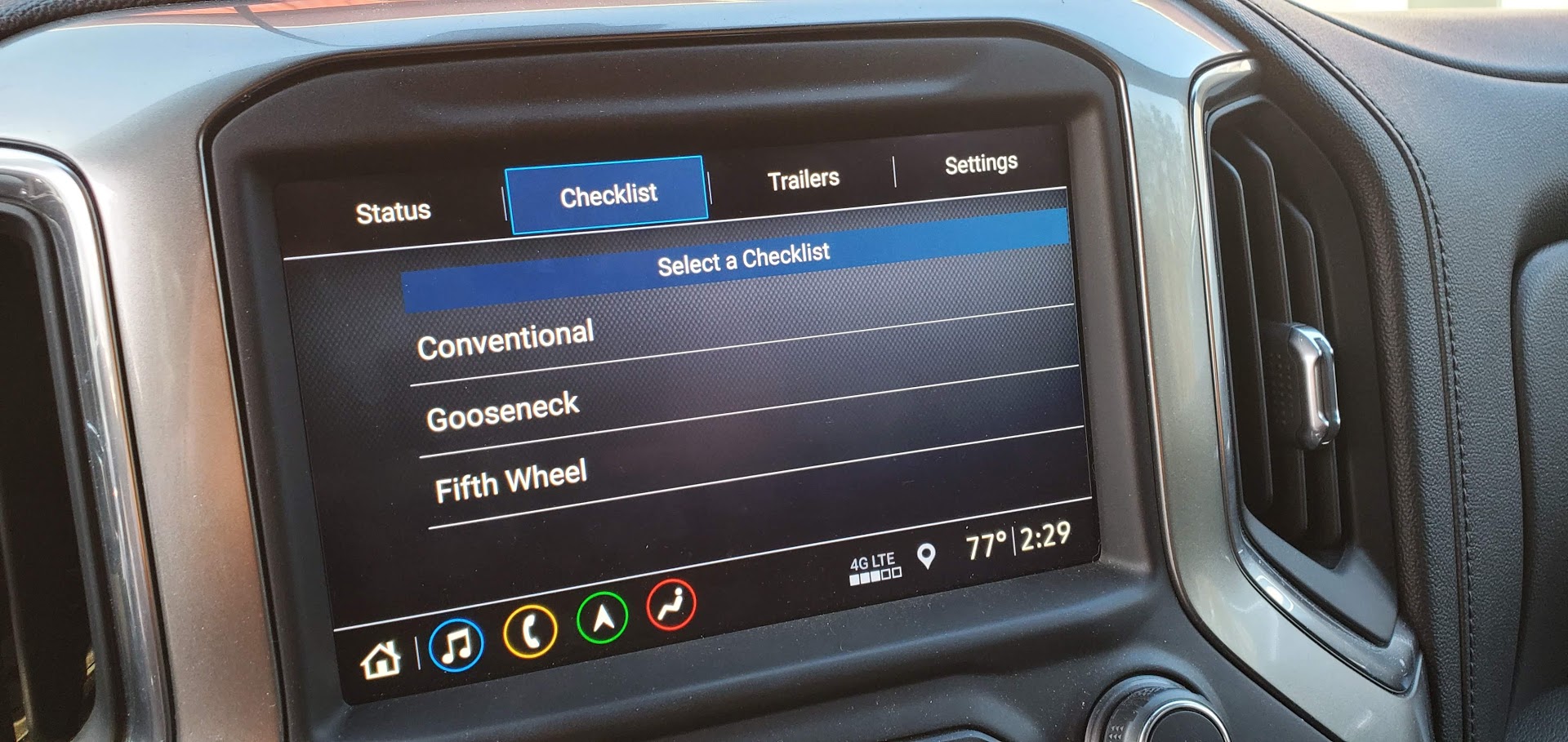
If own a 2020 Chevrolet Silverado or GMC Sierra and have had issues opening the Trailer App inside your infotainment system we have a potential and easy fix.
GM Document Number: #PIT5792
Release Date: 11/5/2020
#PIT5792 Applies To:
- 2020 Chevrolet Silverado
- 2020 GMC Sierra
Reported Issue
Some owners of a 2020 Silverado or Sierra may report that when they attempt to access the “trailering app” in their infotainment system they only get a blank screen.
Reported Cause
Software bug/anomaly.
Fix For Blank Trailering App Screen
- Confirm that the screen goes blank when the trailering app is accessed and that pushing home button returns the screen to normal.
- Perform the “Return to factory defaults” command in the radio menu.
- Clear vehicle settings
- Clear personal settings
Owners can complete this “fix” themselves or take their truck to a dealer for warranty service.

Zane Merva is the Executive Editor of GM-Trucks.com and the President of the New England Motor Press Association (NEMPA). A veteran automotive journalist with over 26 years of experience, Zane is a designated ‘Car Talk’ Expert and has been a contributor to The Boston Globe. He possesses a unique evaluative perspective, having road-tested more than 2,000 vehicles across every major manufacturer. While he is a recognized authority on General Motors truck platforms—including the Silverado, Sierra, and Colorado—his expertise is grounded in decades of deep competitive analysis that few in the industry can match. His commentary has been featured by major OEMs and media outlets, including Hyundai and PR Newswire