
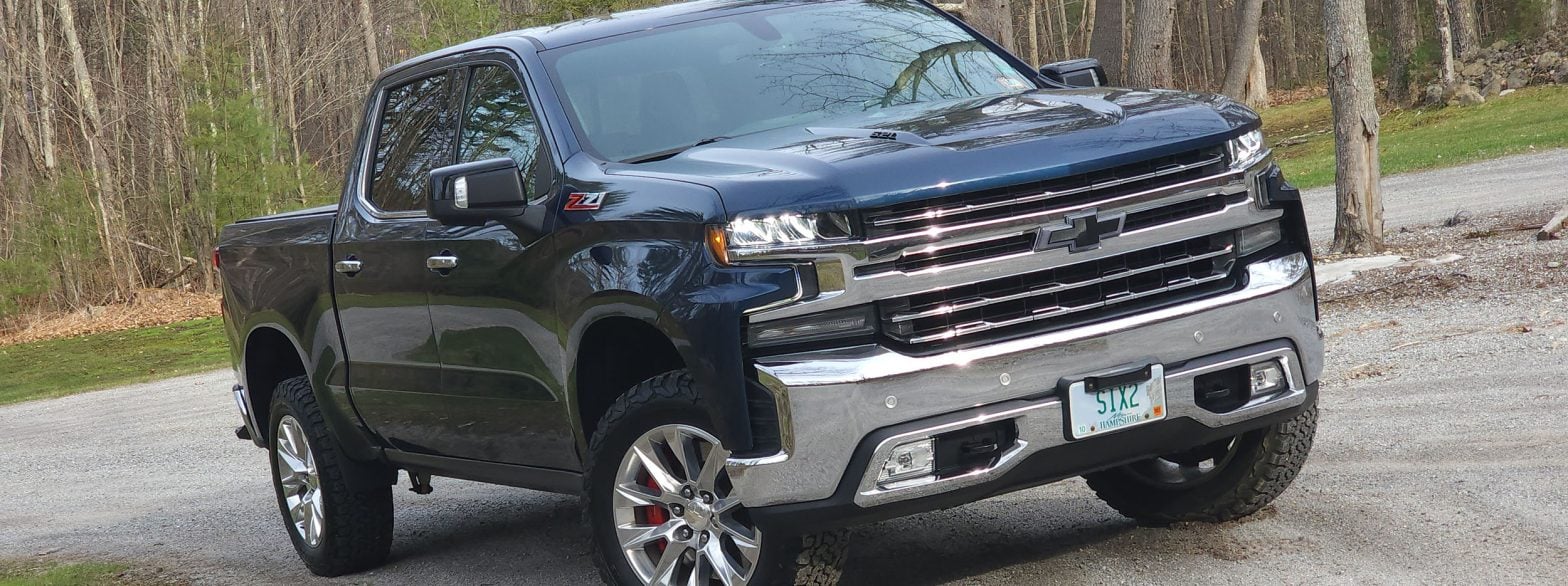
Imagine the sinking feeling: you are driving your late-model, high-tech Chevrolet Silverado or GMC Sierra, and suddenly the dashboard lights up with a “Service Front Camera” or “Service Forward Collision” message. To make matters worse, your Automatic High Beams, Lane Keep Assist, and Lane Departure Warning completely stop working. That sucks…especially at night.
You immediately start bracing yourself for a massive repair bill, probably involving fried control modules and expensive sensor recalibrations, right? But before you panic and hand over your credit card, you might just want to check how dirty your windshield is. Seriously, we’re not kidding.
Have you experienced this issue? Join in on the official discussion thread in our community!
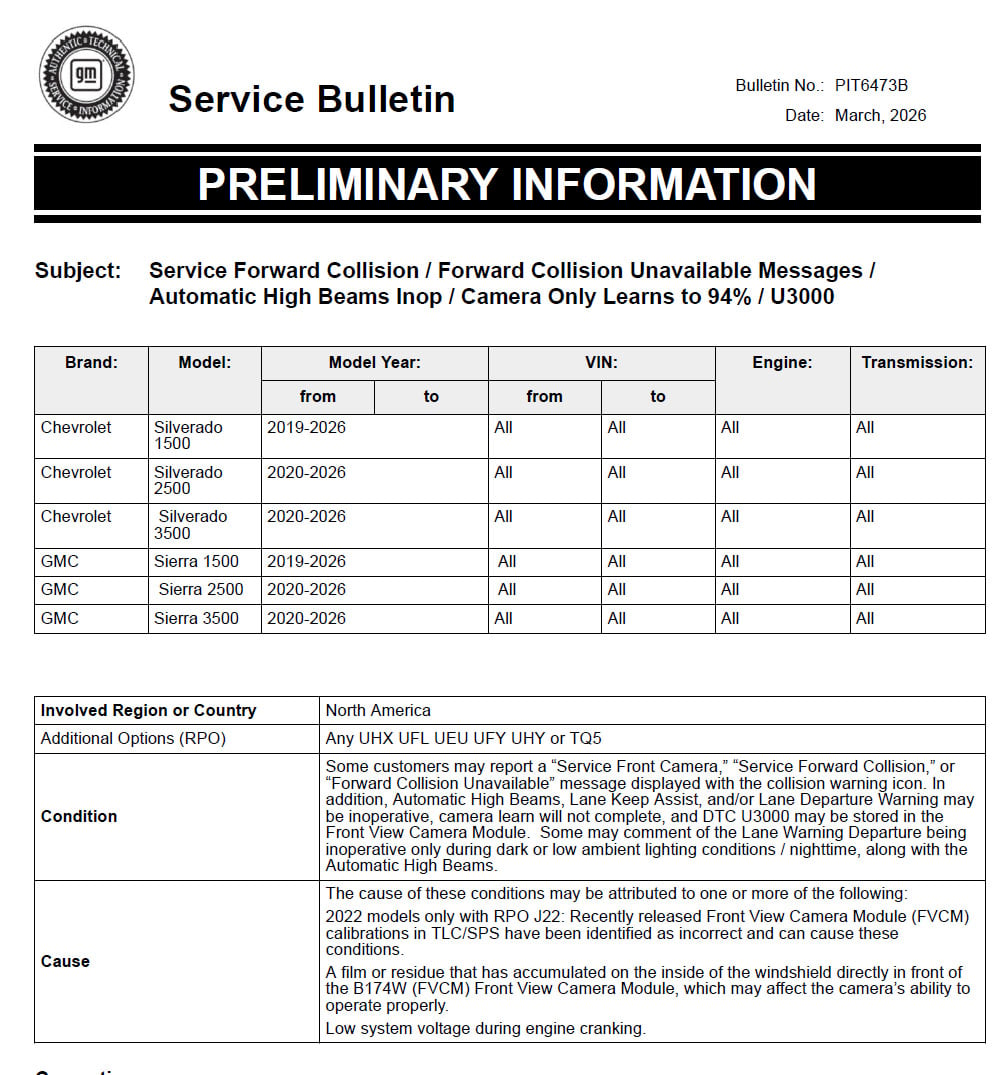
General Motors has released Technical Service Bulletin (TSB) PIT6473B (updated in March 2026), and the official fix for these alarming high-tech failures is almost comically low-tech.
This bulletin covers a massive chunk of GM’s truck lineup, specifically:
The Problem: A Multi-Thousand-Dollar System Defeated by Dust
According to the bulletin, if a technician scans the truck, they might find a DTC U3000 stored in the Front View Camera Module (FVCM). When they try to recalibrate it, the camera will stubbornly refuse to complete its learning cycle, freezing at 94%. (The bulletin also notes that low system voltage during engine cranking can cause this condition ).
The primary cause for this catastrophic failure of your truck’s advanced safety suite?
“A film or residue that has accumulated on the inside of the windshield directly in front of the… Front View Camera Module”.
That’s right. The highly advanced, forward-facing camera system that commands your collision warnings and lane assistance is simply being blinded by a smudgy piece of glass.
The Official 9-Step “Windex” Fix
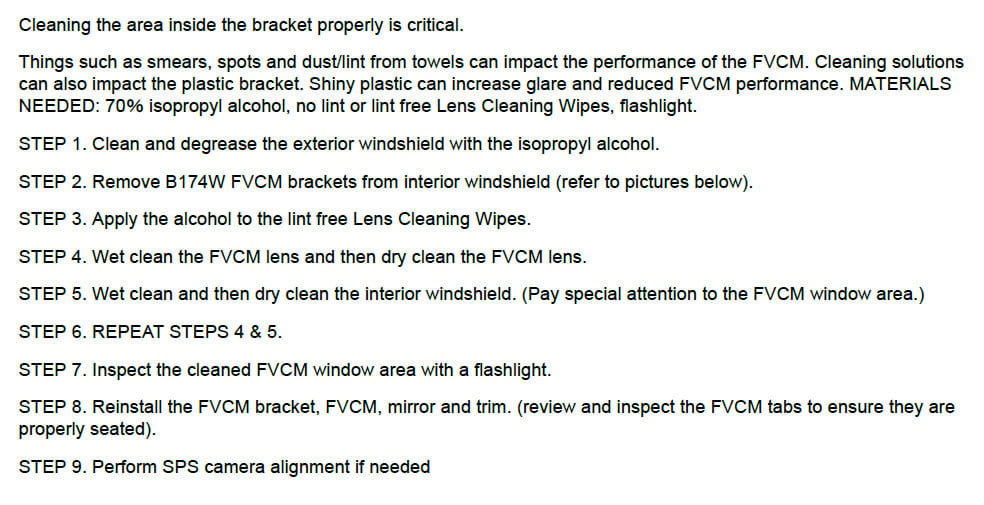
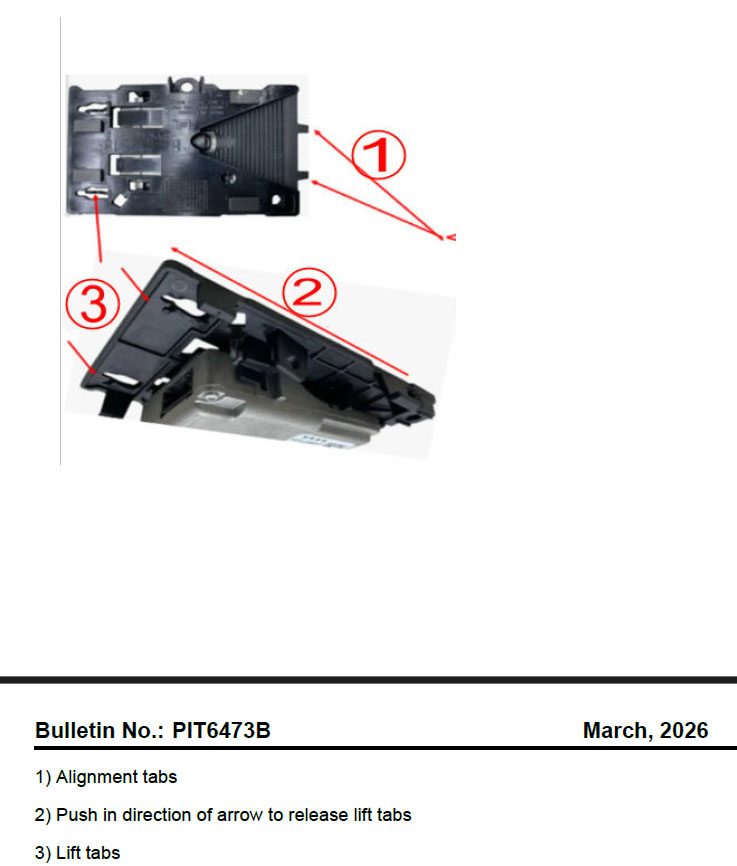
If you think the cause is funny, the official corporate diagnostic procedure is even better. Before a dealership technician even thinks about replacing parts, GM instructs them to perform a highly specific, 9-step cleaning procedure. Now, be aware this is the glass under the protective plastic and in front of the windshield mounted camera, not your entire windshield.
Dealers are told to gather 70% isopropyl alcohol, lint-free lens wipes, and a flashlight. They must meticulously wet clean and dry clean both the camera lens and the interior windshield glass, paying special attention to the FVCM window area.
GM even warns technicians that using the wrong cleaning solutions can actually make the plastic camera bracket too shiny, which “can increase glare and reduced FVCM performance”. Even stray dust or lint from a shop towel can impact the camera’s ability to operate.
The 2022 Plot Twist: A Software Oopsie
While a dirty windshield is the main culprit for most trucks , owners of 2022 models with the RPO J22 option have a completely different, and slightly more frustrating, reason for these errors.
GM admits in the bulletin that “recently released Front View Camera Module (FVCM) calibrations in TLC/SPS have been identified as incorrect and can cause these conditions”.
Basically, if a technician recently reprogrammed your 2022 truck with the latest software update, the bad code is what broke your collision systems. And unlike the smudgy glass, there is no immediate fix for this. The bulletin explicitly states that “performing the below repairs or replacing the camera on a truck with the incorrect calibrations will not correct the condition”. Technicians simply have to wait for GM Engineering to finish writing and re-releasing the correct software.
Join the Discussion
Are you dealing with a stubborn “Service Forward Collision” error, or did the magical 9-step Windex fix actually work for your truck? We want to hear about it! Head over to the GM-Trucks.com forums to share your experience, vent your frustrations, and connect with other owners. Join the conversation in the 1500 Troubleshooting, Warranty & Recalls forum or the HD Troubleshooting, Warranty & Recalls forum.

Zane Merva is the Executive Editor of GM-Trucks.com and the President of the New England Motor Press Association (NEMPA). A veteran automotive journalist with over 26 years of experience, Zane is a designated ‘Car Talk’ Expert and has been a contributor to The Boston Globe. He possesses a unique evaluative perspective, having road-tested more than 2,000 vehicles across every major manufacturer. While he is a recognized authority on General Motors truck platforms—including the Silverado, Sierra, and Colorado—his expertise is grounded in decades of deep competitive analysis that few in the industry can match. His commentary has been featured by major OEMs and media outlets, including Hyundai and PR Newswire