
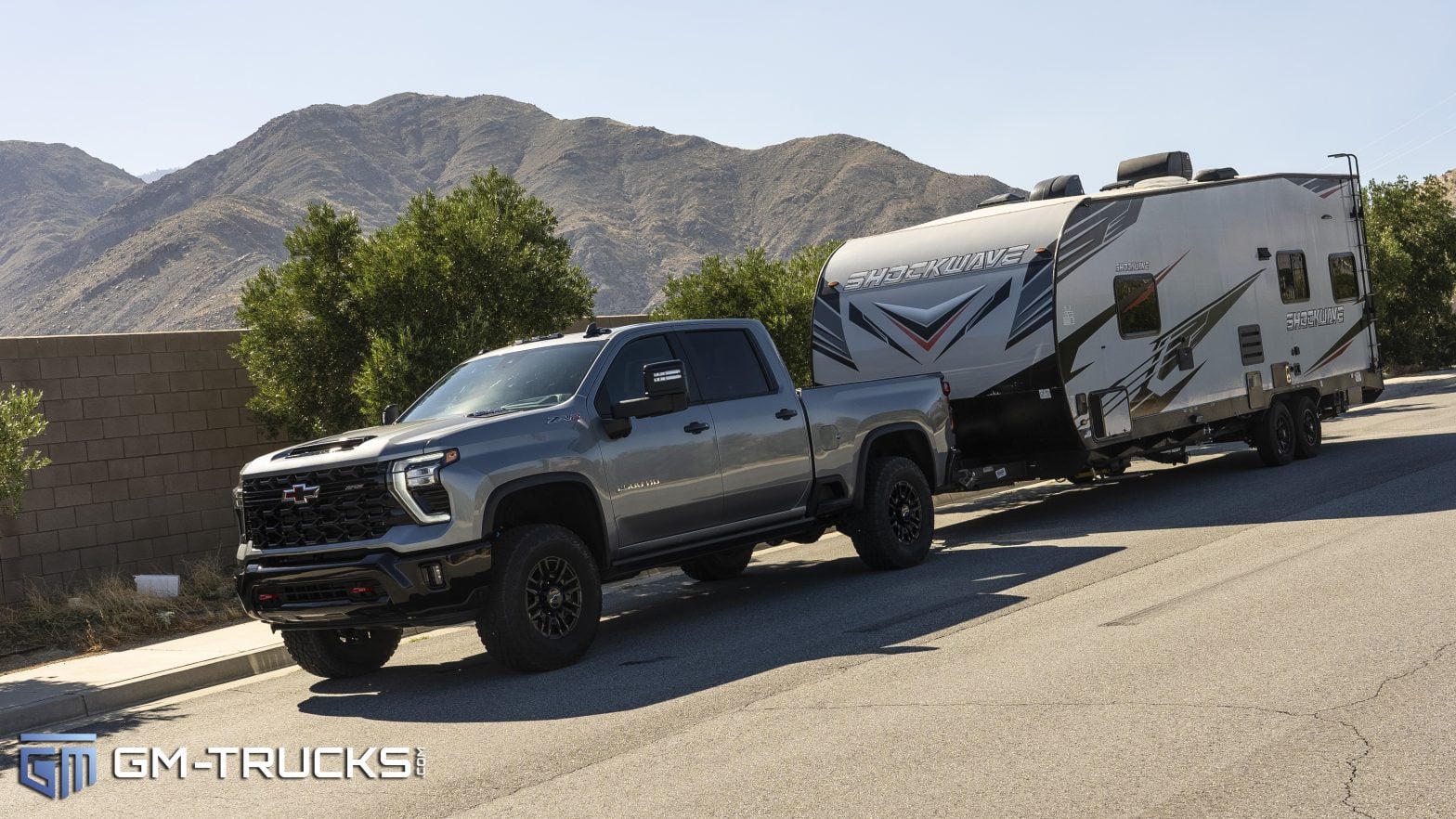
If you have spent the last few weeks driving in circles around an empty parking lot trying to get your GM Transparent Trailer system to calibrate, you can stop now. You aren’t doing anything wrong.
A frustrating software glitch is currently preventing several advanced trailering features from properly calibrating on certain 2024 and 2025 Chevrolet and GMC trucks. The good news? General Motors has officially identified the exact cause and released a fix.
Here is everything you need to know about this software bug and what to tell your dealer to get it resolved.
Check out our 1500 Community thread on this topic HERE
and our HD Community thread on this HERE
What Vehicles Are Affected?
According to Service Bulletin PIT6060B, issued in February 2026 , this issue impacts the following trucks equipped with the advanced trailering camera packages (RPOs UV2 and TRG):
- 2024 – 2025 Chevrolet Silverado 1500
- 2024 – 2025 Chevrolet Silverado 2500HD / 3500HD
- 2024 – 2025 GMC Sierra 1500
- 2024 – 2025 GMC Sierra 2500HD / 3500HD
The Symptoms: Which Features Won’t Work?
Owners are reporting that when they attempt to set up a new trailer profile, the system simply refuses to finish the calibration process. If your truck is experiencing this software bug, you will be locked out of the following features:
- Transparent Trailer
- Jack Knife Alert
- Trailer Length Indicator
- Rear Trailer Guidelines
- Articulation Angle Indicator
Additionally, you might notice that your Biasing View is stuck at a 50/50 split and refuses to automatically adjust to a 40/60 or 80/20 view while turning.

The Cause: “The 119-Inch Bug”
The root cause of the problem is a highly specific software flaw inside the truck’s video processing module.
Under normal circumstances, the truck’s system is designed to accept a valid trailer height input anywhere from 0.39 inches up to 177.1 inches. However, due to this specific software glitch, any trailer height input that is 119 inches (303 cm) or greater will cause the system to fail calibration.
If you own a large enclosed car hauler, a fifth-wheel camper, or a tall travel trailer, entering its actual, accurate height into the infotainment screen is exactly what is causing the system to crash the calibration process.
How to Fix It
Because this is a module software issue, there is no physical part that needs to be replaced, but you also cannot fix it in your driveway.
GM Engineering has officially released an updated software package for the video processing module to correct the 119-inch height bug. You will need to take your truck to a local Chevrolet or GMC dealership to have the module reprogrammed using GM’s Service Programming System (SPS).
What to tell your service advisor: When booking your appointment, mention that your Transparent Trailer refuses to calibrate after entering your trailer dimensions and reference Service Bulletin No. PIT6060B.
This reprogram is covered under GM’s Bumper-to-Bumper warranty , and the dealer will use Labor Operation 2810845 to process the update.

Zane Merva is the Executive Editor of GM-Trucks.com and the President of the New England Motor Press Association (NEMPA). A veteran automotive journalist with over 26 years of experience, Zane is a designated ‘Car Talk’ Expert and has been a contributor to The Boston Globe. He possesses a unique evaluative perspective, having road-tested more than 2,000 vehicles across every major manufacturer. While he is a recognized authority on General Motors truck platforms—including the Silverado, Sierra, and Colorado—his expertise is grounded in decades of deep competitive analysis that few in the industry can match. His commentary has been featured by major OEMs and media outlets, including Hyundai and PR Newswire