

DJohnsonClaremont
-
Posts
2 -
Joined
-
Last visited
DJohnsonClaremont's Achievements

New Member (1/11)
0
Reputation
-
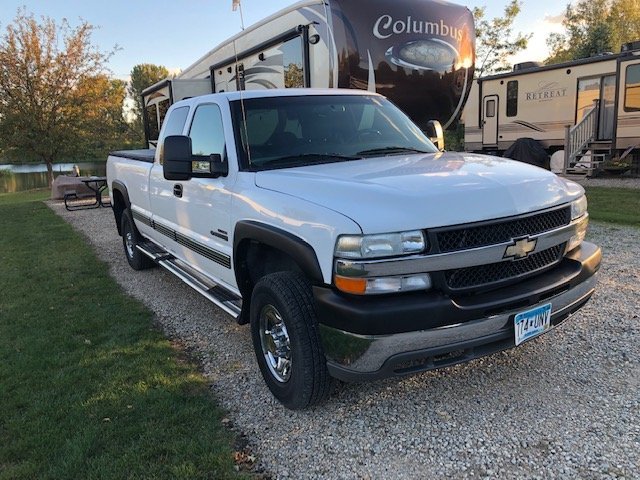
 Mystery solved and everything is working once again! When working with a Tech over the phone on Friday before taking the truck in to have Line-X applied to the truck bed. Tech: Boy that one is a real head scratcher. Did you set the time so it is correct. Me: Yes. That is the first thing I did. Tech: Did you disconnect the battery cable for a couple of minutes then reconnect. Me: Yup Tech: Have you tried resetting the radio to factory defaults. Me: Yup. Tech: I think you need to bring it in so we can look at things first hand. Service Writer: We have net Wednesday at 1:00 open. I then take the truck in to have the bed liner applied. Over the weekend I'm thinking, what the hell. It has to be simple. The tech asked me if I has set the time, which I had, and it didn't help. I wonder, Even though it does not display the date on screen, I wonder if I need to se the date someplace. When I pick up the truck on Monday I check. Low and behold there is a date setting. It was reading January 5, 2013. I set the date to the correct date and low and behold the radio does a refresh, updates the apps and works like a charm. If someone asks you to set the time, Set the date also!
 -
DJohnsonClaremont changed their profile photo
-
it is a amazing so many people have this issue but no one has a solution that works. 2017 Silverado here with new battery and same issue. I connect to hotspot but "Network difficulties are preventing this page from loading" I can connect to the Silverado hot spot and get internet access but not from the truck radio. The truck can connect to my home network bur I get the same message about page not loading. Such a common issue should have an easy solution. What did not work... 1. Turn radio off and open drivers door for 5 minutes. Close door and start truck 2. Press and hold the Home button and FF but at the same time for 10 seconds. 3. Disconnect the negative battery terminal for 30 seconds then reconnect. 4. Restore factory defaults through the Settings menu on the radio.
-
Forum Statistics
250.5k
Total Topics2.7m
Total Posts -
Member Statistics
342,913
Total Members8,960
Most Online
-
Who's Online 4 Members, 0 Anonymous, 563 Guests (See full list)