

smiles
-
Posts
7 -
Joined
-
Last visited
smiles's Achievements

Enthusiast (2/11)
0
Reputation
-
Infotainment Screen Black When Using Remote Start
smiles replied to smiles's topic in Troubleshooting, Warranty & Recalls
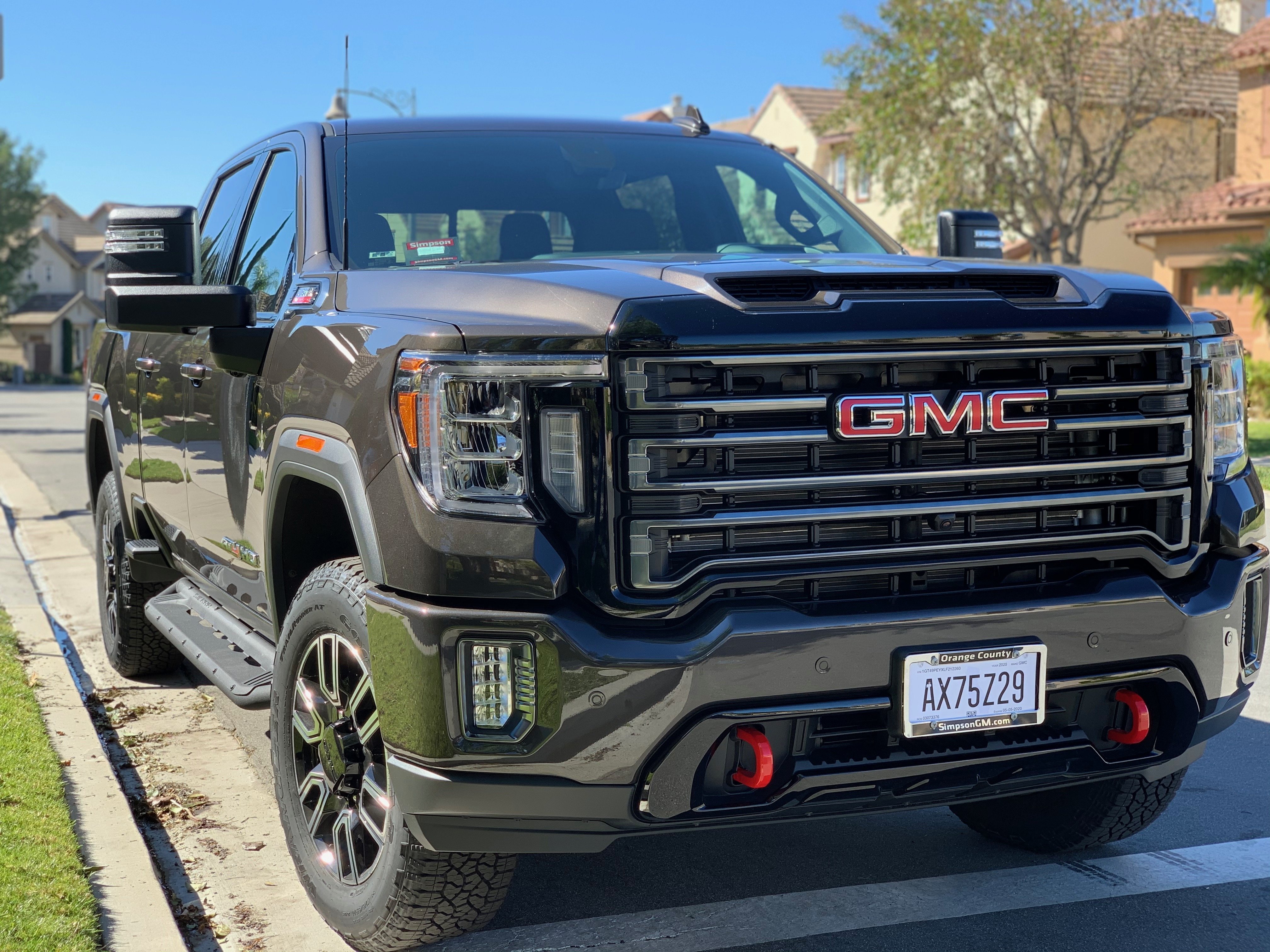
Well, this morning I got up bright and early to go take her to her first car wash. But she would not budge. After repeated tries to start the engine...just a click click click and multiple error codes. I called GM Roadside. The tow truck arrived and jump started it. I drove straight to the dealer to address this issue and the infotainment screen issue noted at the beginning of this thread. I just picked her back up from the dealer. They found that the 12 volt battery on the drivers side failed the "GR-8" test, while the battery on the passenger side was good. Replacing the battery also remedied the black infotainment screen upon remote start up issue! -
Infotainment Screen Black When Using Remote Start
smiles replied to smiles's topic in Troubleshooting, Warranty & Recalls
Thank you all for your info. I went into SETTINGS and tried to search for an update, but it said none available, and I also went onto ABOUT and it shows a BUILD NUMBER with a bunch of letters and numbers (I'.m assuming its version 148, as part of the numbers are "U148.3.4") with a date of Sep 12, 2019. I also tried pressing the HOME button below the screen, and it would not bring the display to life. Results are the same if I use the smartphone app to start the engine. So I guess its a glitch. I'll wait for something else to creep up before bringing it in. -
I have less than 300 miles on my 2020 GMC Sierra 2500HD. I have utilized the remote start feature on my fob 3 times so far. Each time, upon entering the vehicle, I place my foot on the brake and push the start button to bring it up to life. Everything works fine, with the exception of the infotainment screen. It remains black, with the exception of displaying the rear camera view when I back out my driveway. Once back in drive, it goes back to black. I have to park the vehicle, turn it off, and then re-start using the vehicles start button to bring the display back on. Anybody else having this issue?
-
Forum Statistics
250.5k
Total Topics2.7m
Total Posts -
Member Statistics
342,947
Total Members8,960
Most Online
-
Who's Online 3 Members, 0 Anonymous, 405 Guests (See full list)